
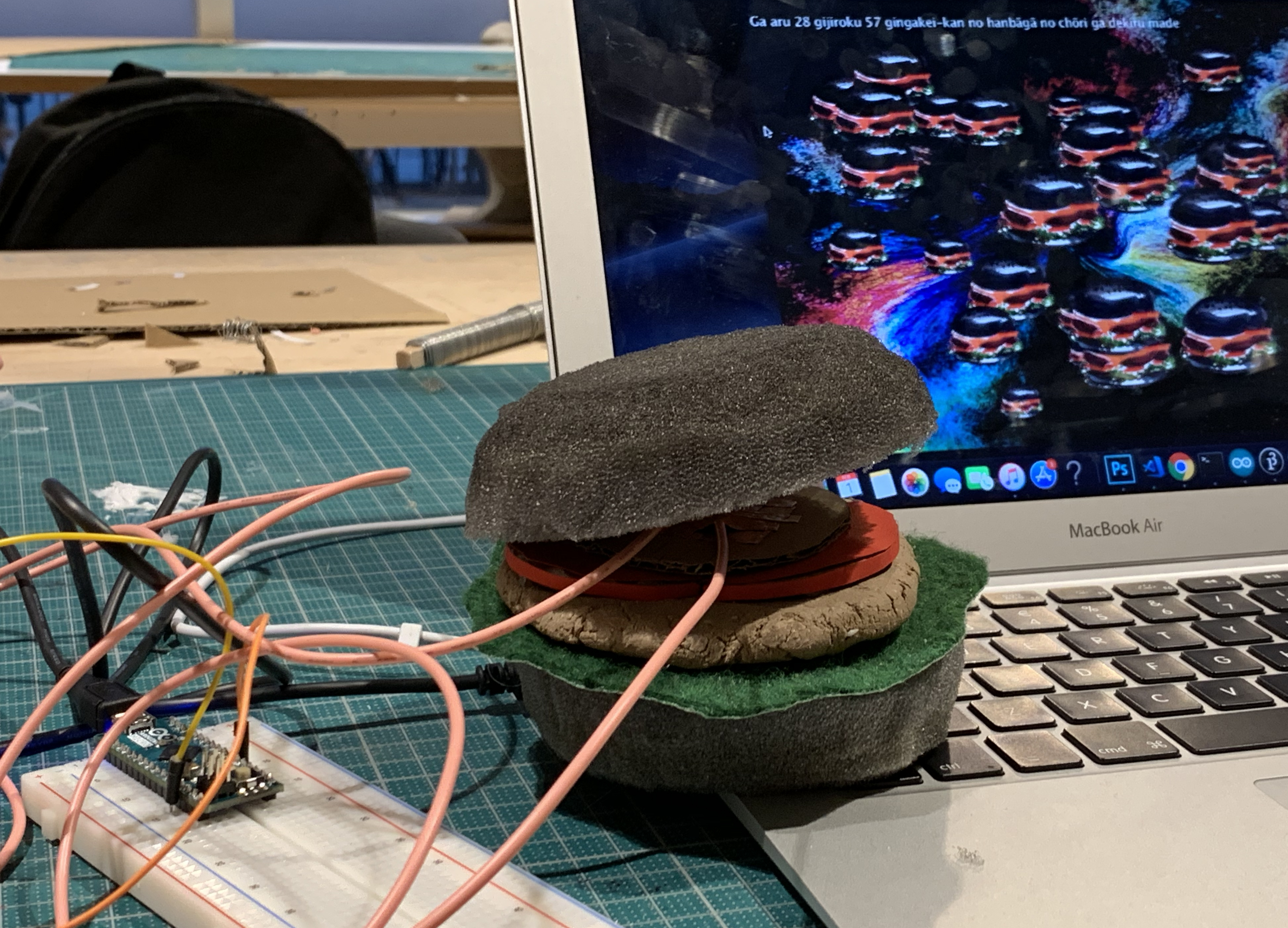
Ever since one of my acquaintances informed me that he started working on a new project consisting of a robotic arm that can hold a video camera and move in synchronisation with a CGI, all of this possible with this innovative piece of hardware called Arduino, I was eager to find out more about what it is all about.
After a thorough introduction to general information and basic electronics tricks involving the board, Arduino Creator and different cables and buttons, we were given the challenge of the day: create an external controller using only cardboard, copper and connect it to a video game of your choice. I look to my classmate and I confess that I do not even see this possible.
Me and Weronika team up with a product design student and we try to ideate for a few minutes in the hopes that we will clear out some of the confusion. We decided that our little experiment will be conducted on a funny Super Mario like video game, only that the main character is a cat.
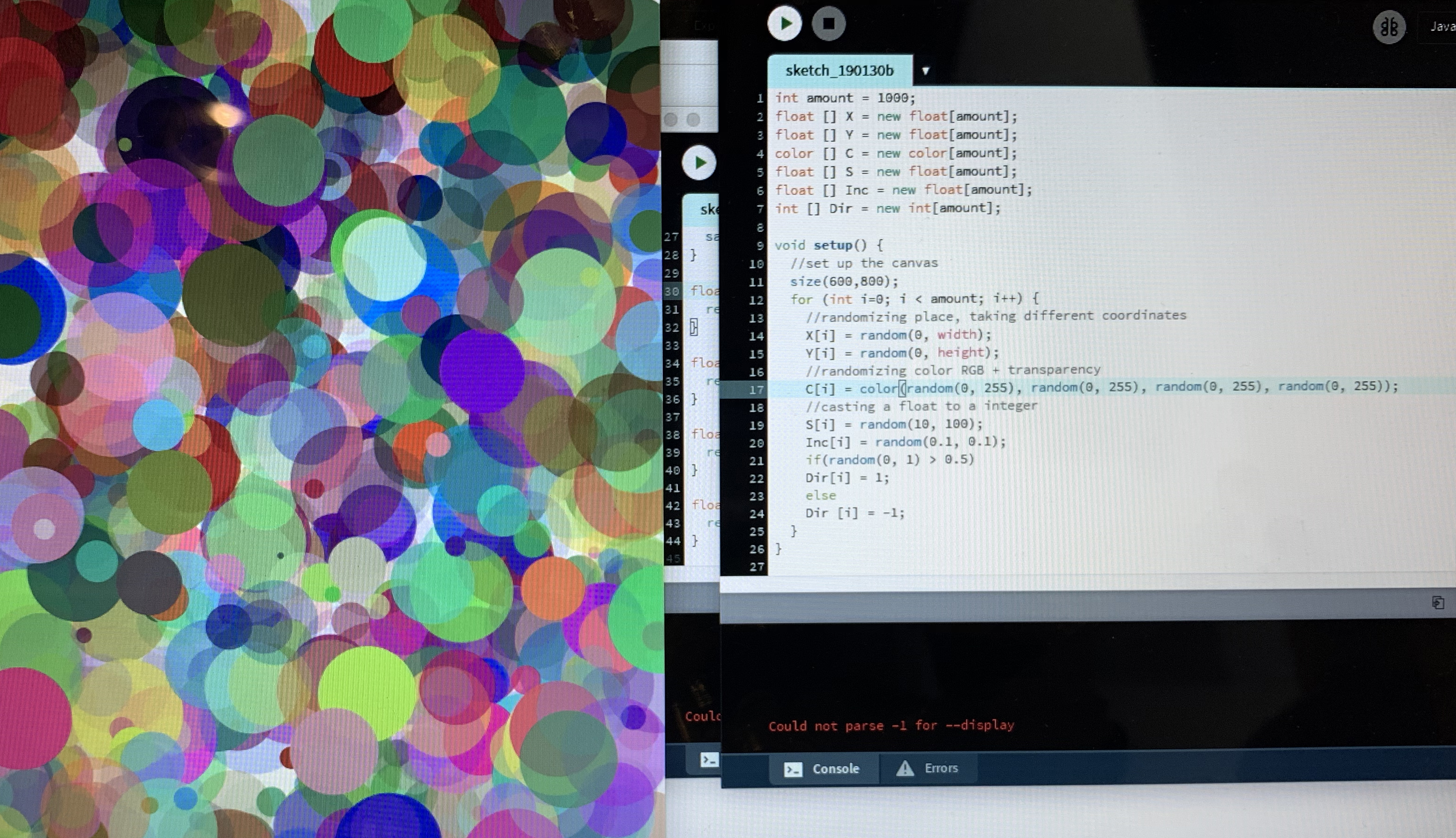
We chose actions walking forward, walking backwards and jumping and my teammates started cutting out cardboard in different shapes. I had the example from David for how to create a button on the Arduino board so I have edited it to my desired place on the board, copied it two more times and created two additional buttons. I have defined it in the code, creating a button for up key which is the jumping action, one for key right which is for walking forward and key left for walking backwards. We started placing copper on the different shapes and place the cables connected to the board.
Test time: we were so excited and so curious at the same time if our experiment will actually be successful! We started the game and we started touching the shapes together corresponding to the desired action. Nothing happened, our character was not moving. “You have to touch exactly the two pieces of copper”, Johannes told us. We tried again and the character was now alive.
I can not possible explain my fascination at the moment, I felt like a small kid in a candy shop. Suddenly I could see all types of interactions coming alive and so many opportunities. It is truly fascinating the way computer science, electronics and simple craft came together and created this little magic trick. But I should realise: there is still so much more to learn!
 Reflections of an Interaction Designer